
Review request emails
Review request emails that get you reviews
Automatically send personalized, well-timed review request emails after every purchase, visit, or appointment. Collect more reviews on Google from real customers, without chasing anyone.

Happy customers rarely leave reviews on their own.A well-timed email changes that.
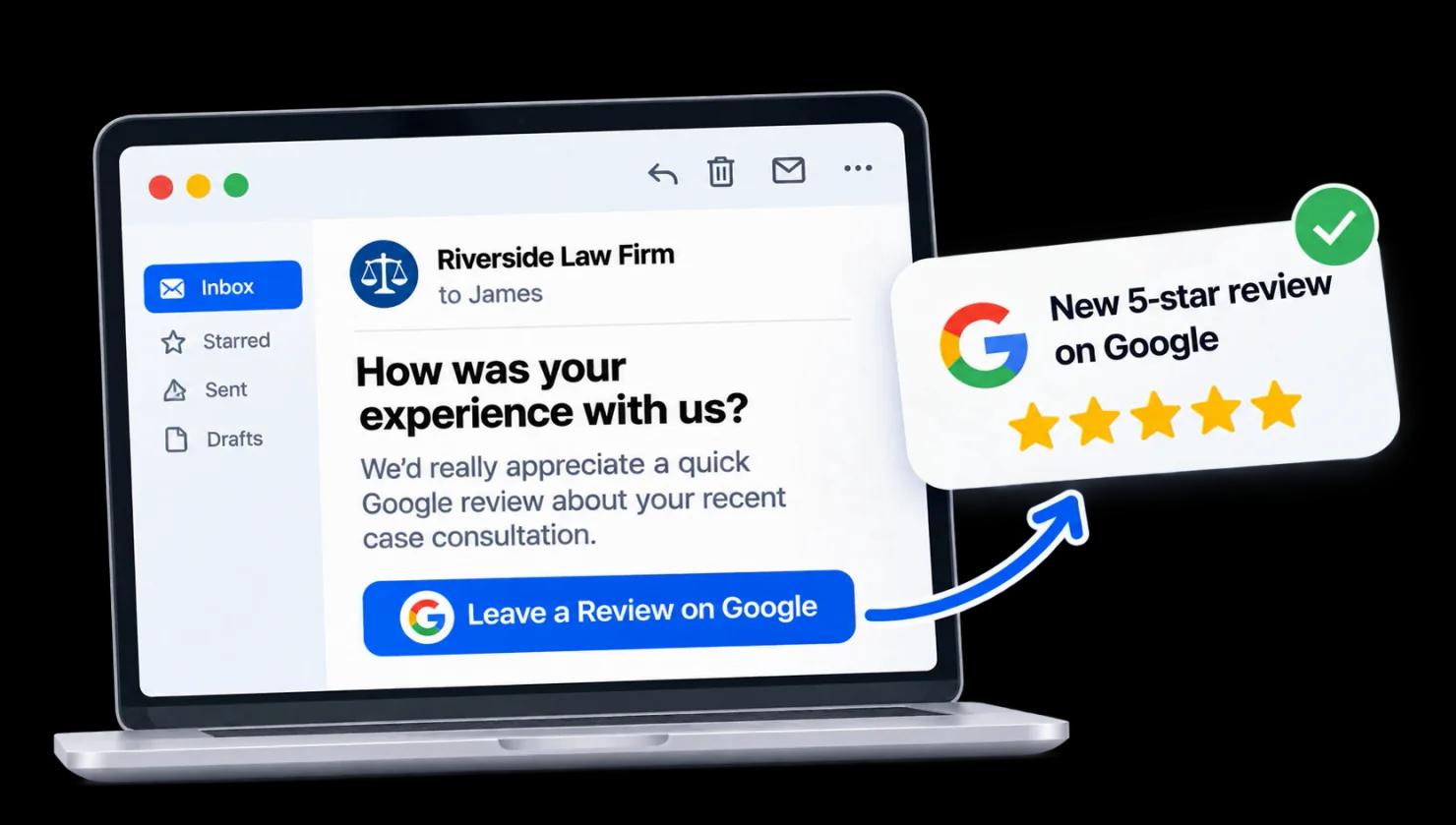
Catch the right moment
Send review requests when customers are most likely to respond.
Make it personal
Each email feels relevant and takes just seconds to complete.
Get more reviews
Turn more happy customers into Google reviews and build a stronger rating.
How it works
Automate review requests in four steps
- 1
Connect your customer data
Sync orders, visits, or appointments from your online store, POS, CRM, or booking tool, or upload a CSV file.
- 2
Pick a review request template
Start from a ready-made Google review request email template, then add your logo and brand colors. Personalize the subject line and message with customer and product details.
- 3
Set your timing and rules
Decide when each email is sent, such as a few hours after a visit or a few days after delivery, and choose which customer receives a reminder.
- 4
Send, track, and follow up
ReviewCook automatically sends every review request email. Track opens, clicks, and new reviews from one dashboard.
Tools that do the work
Everything you need to send review request emails at scale
Built for busy teams. Set it up once, and every new customer automatically receives a personalized review request email at the right time.
Feature
Details
Smart send timing
Trigger emails based on real events such as delivery, checkout, or appointment completion, and respect quiet hours in each customer’s time zone.
Personalization tokens
Automatically insert the customer’s first name, product, location, or staff member so every customer review request email feels written just for them.
Automatic follow-ups
Send a polite reminder to customers who haven’t opened or clicked your email. Reminders stop automatically once a customer leaves a review.
Templates
Review request email templates for every moment
Each template is short, friendly, and easy to answer, with a review request email subject line written to get opened. Use any example as is, or edit every word to match your brand.
After a purchase
Subject line:
(First name), how’s your (product)?
Use this templateBody:
“Your order arrived a few days ago, and we’d love to know what you think. Your review helps other shoppers and helps us improve.”
After an appointment
Subject line:
Thanks for visiting (location) today
Use this templateBody:
“It was great seeing you, (first name). We’d love to hear how your visit with (staff name) went. Sharing a quick review means a lot to our team.”
Google review request
Subject line:
How did we do, (first name)?
Use this templateBody:
“Thanks for choosing (business name). If you have a moment, we’d appreciate a quick review on Google. It helps other customers find us.”
Friendly reminder
Subject line:
Got 30 seconds, (first name)?
Use this templateBody:
“Just a gentle reminder in case our last email got buried. One tap is all it takes to share how we did.”
Analytics
See which requests turn into reviews
Track every review request from sent to reviewed. Compare templates, subject lines, and send times, then keep what works.
- Open, click, and review rates per campaign
- A/B test subject lines and timing
- Results by location, team member, or product
Best practices
How to write a review request email that gets a response
The best review request emails are short, personal, and well-timed. These tips will help you get more responses, and every ReviewCook template already follows them.
Read the full guide →- 1
Ask while the experience is fresh
Send within hours of a service, or a few days after delivery once the product has been used.
- 2
Keep it short and personal
Use their name and what they bought. Three or four sentences is plenty.
- 3
Make the first step one tap
A star rating in the email removes friction before the customer ever leaves their inbox.
- 4
Follow up once, not forever
A single reminder boosts response rates; more than that starts to cost goodwill.
- 5
Ask everyone, honestly
Don’t offer rewards for positive reviews or filter out unhappy customers — review platforms prohibit it.
Got questions?
Review request email FAQs
A review request email is a short message sent to a customer after a purchase or visit, asking them to rate and review their experience on a site like Google or Facebook. When sent at the right time, it’s one of the most reliable and consistent ways to grow your review count.
Start collecting more reviews this week
Set up your first automated review request email in minutes and start hearing from more customers. Try ReviewCook for free.