Getting the review, made easy:
- 1Scan QR code
- 2Speak or type
- 3AI improves the draft
- 4Patient edits
Ready-to-post Google review
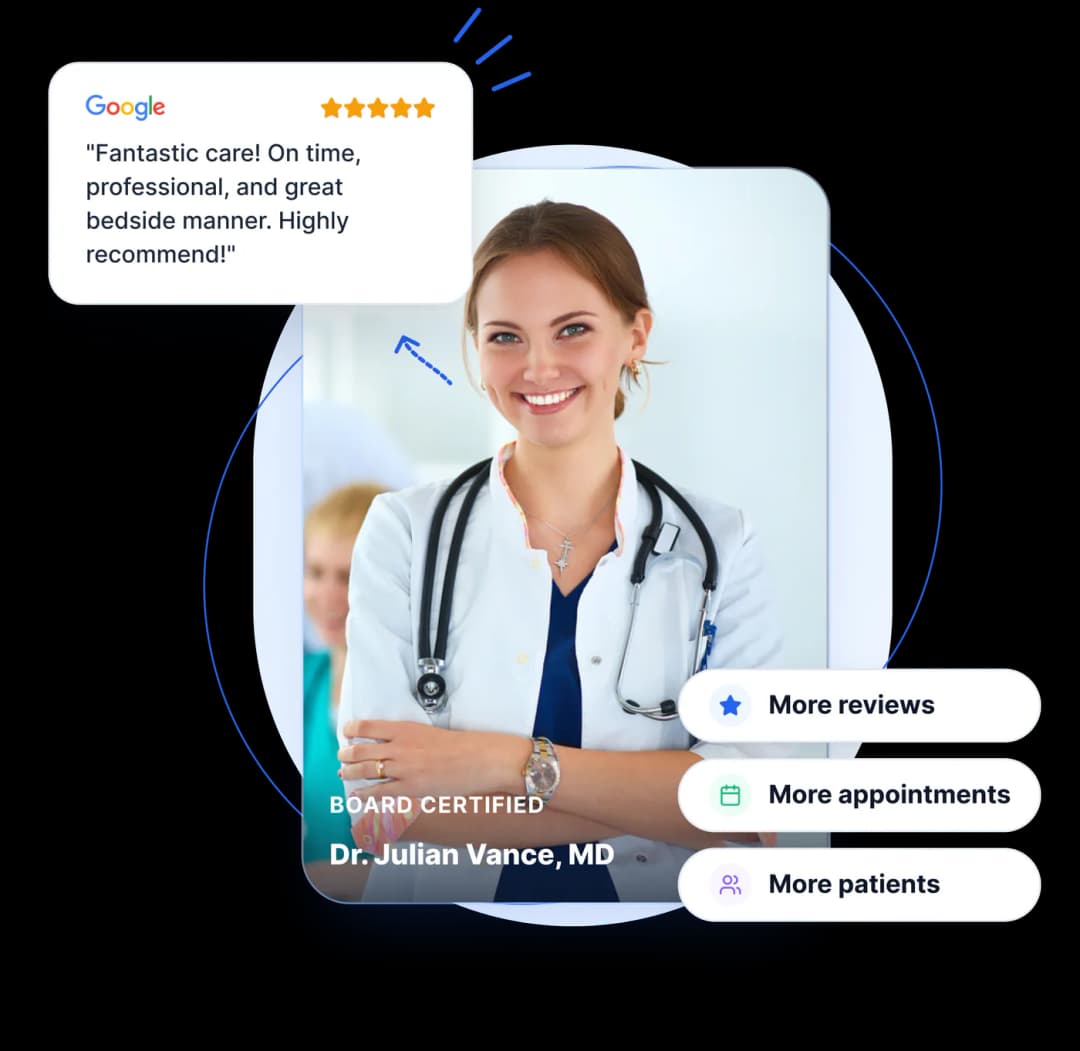
Make it easier for patients to share their experience on Google.
Get more genuine patient reviews, respond faster, and manage your online reputation all from a single platform.
Free forever • No credit card required • 100% HIPAA-Compliant
A HIPAA-safe review system built for:
Trusted by healthcare practices to turn everyday patient visits into consistent review growth
The real problem
It’s rarely about satisfaction. It’s about friction.
A patient can leave your clinic thrilled and still never write a review. They forget. They don’t know where to leave one. Or they open Google, see a blank box, and close the tab.
When reviews come in, your team still has to read each one, understand the context, figure out what to say, write a professional reply, and publish it. Multiply that by every location, every week, and it adds up fast.
ReviewCook fixes both sides of that problem.
Ready-to-post Google review
Zero copy-pasting, instant response time
One platform. One workflow, start to finish.
Patient review journey
ReviewCook turns a real patient experience into a Google Review in four steps, with the patient in full control.
Patient Mobile Simulator • Live Demonstration
Step 1 demo
Placed elegantly on the reception acrylic stand, checkout counter, or appointment discharge card. One camera scan opens the practice review portal instantly without downloading any app.
Load Time
0.4 Seconds
App Required
Zero
Apex Dental & Wellness
Scan to share your clinic experience
Ready for iPhone & Android
Conversion comparison
See how guided voice & text AI turns 4x more scans into completed Google reviews.
| Typical QR Code | ReviewCook Guided Engine |
|---|---|
| Scan the code | Scan the code |
| Land on a blank Google Review page | Enter a guided review experience |
| Stare at a blank box, unsure what to write | Speak or type naturally |
| Write the entire review from scratch | Start from an AI-assisted draft |
| Manually edit in Google | Edit, customize & Submit in seconds |
Ethical & compliant AI
Every review starts with the patient’s real words.
Reputation management
Let AI handle the repetitive replies.
Your team should not have to write every Google response from scratch. New reviews arrive at any time. Reading each one, understanding the feedback, writing a thoughtful response, working out the right tone, and publishing it can quickly become another daily task.
ReviewCook’s AI Reply Agent takes that off your plate, while giving your team full control of what happens next.
Step 1
A new Google Review comes in
Instantly synchronized via Google My Business API webhook.
Step 2
AI reads and understands
Analyzes sentiment, keywords, and tone while strictly omitting clinical details.
Step 3
A contextual response is generated
Drafted in your verified clinic brand voice and HIPAA-compliant structure.
Step 4
Auto-publish or approve
Auto-publish according to your rules or send to staff approval queue.
Live AI Reply Studio
HIPAA Safeguard Verified“Dr. Julian Vance and the entire clinic team were so kind. Explained every step clearly and check-in was super smooth!”
“Thank you so much for the kind words, Jennifer! Our team works hard to make every visit as comfortable and clear as possible. We truly appreciate your feedback and trust.”
Auto-Pilot Rule: 5-Star Instant Post
Publish to GoogleTailored controls
Auto-Pilot or Copilot. Your Rules.
Not every review deserves the same level of attention. ReviewCook lets you decide which reviews the AI can handle automatically and which go directly to your team.
AI automatically replies to any review that matches your rules.
Great for: Routine five-star review that just needs a quick, timely thank you.
Every AI-drafted reply goes to an approval queue first. Your team reviews it, tweaks it if needed, and publishes with one click.
Great for: Practices that want a human eye on everything.
Create different workflows for different feedback. Or you can mix both.
For example:
| Stars | Action |
|---|---|
| 5 Stars | Auto-replyInstant thank-you dispatch |
| 4 Stars | Auto-replyInstant warm appreciation reply |
| 3 Stars | Flag for reviewAI drafts, staff approves before post |
| 1-2 Stars | Sent straight to your teamPriority triage with zero automated risk |
You decide where automation starts, and where your team takes over.
Start for FREESet your voice once. Keep it consistent.
AI-generated replies should still sound like they come from your practice, not from a generic template. Set your tone and brand voice, then automatically apply them to every response.
Customize your response by:
Running multiple locations? Each one can have its own voice, rules, and approval flow.
Give every patient a more natural experience.
ReviewCook automatically detects the language a review was written in and replies in that same language.
Supported languages
This makes it easier for practices serving diverse patient communities to respond more clearly and naturally.
Reviews are more than individual comments.
Your reviews can show you what patients appreciate, where experiences fall short, and what patterns emerge over time.
ReviewCook brings actionable insights to:
Turn their individual reviews into a clearer picture of the customer experience.
Full cycle architecture
ReviewCook brings the essential parts of review management together in one place.
01
Make it easy for patients to leave genuine reviews. Branded QR codes, voice and text capture, and AI-assisted drafting reduce the friction between a patient experience and a Google review.
Patient journey: Scan → Share → AI draft → Edit → Google
02
Reply to every review, fast, in your own voice. Generate contextual AI replies, automate routine responses, route sensitive reviews to your team, and keep every response aligned with your voice.
Team workflow: New review → AI reply → Auto-send or Approve
03
See what your reviews are telling you. Use review insights and analytics to track performance, understand sentiment, identify trends, and learn from patient feedback.
Practice impact: Reviews become a continuous source of insight
Practice verticals
One review workflow for every type of practice.
Collect feedback after cleanings, consultations, orthodontic visits, and treatments while the experience is fresh.
Make it easier for your derm patients to share feedback about consultations, treatments, and their overall care experience.
Create thoughtful review touchpoints around consultations, procedures, and follow-up care, giving patients a simple way to share their experience.
Give clients an easy way to describe their experience right after consultations, procedures, and cosmetic treatments.
Build a consistent review process across wellness services, appointments, and follow-up visits.
Make it easier for pet owners to share their experience after appointments, check-ups, procedures, and ongoing care.
Capture feedback throughout the patient journey, from the first appointment to completed treatment plans and recovery milestones.
Give patients a simple way to share feedback after adjustments, treatment plans, and regular visits.
Collect reviews after eye exams, consultations, vision services, and eyewear appointments.
Create appropriate opportunities for clients to share feedback about their experience while maintaining a thoughtful and respectful review process.
Make it convenient for residents, clients, and families to share their feedback about care, support, communication, and service.
Clinic touchpoints
Make review collection part of the patient journey.
Give patients a convenient way to access your review experience at the right time, at the right touchpoint.
Point of care
Allow patients to access your review page before they leave your clinic, when the visit is still fresh in their mind.
Physical stands
Add your branded QR code to appropriate patient-facing materials so patients can access your review page whenever they are ready.
Post-checkout
Include ReviewCook on receipts, invoices, or other appropriate documents to give patients another convenient path to share feedback.
Digital follow-up
Add your ReviewCook QR code to post-visit emails or messages, giving patients time to share their experience after their appointment.
Multi-clinic scale
Give every location a consistent review workflow while allowing individual practices or locations to use their own brand voice, rules, and approval settings.
Zero clinical compromise
Keep the review experience separate from clinical data.
ReviewCook does not connect to your Electronic Health Record, practice management system, or clinical records.
It uses only the contact information needed for review-related communication, such as a name, phone number, or email. Never medical charts or procedure logs.
Review drafts are based on what patients choose to share directly. ReviewCook does not pull information from clinical records to create or suggest review content.
Businesses connect their Google Business Profile through Google’s secure Open Authorization process. ReviewCook does not require patients to provide Google credentials.
Healthcare verified case studies
Real outcomes from dental groups, dermatology clinics, and physical therapy centers.
“In dental care, patients leave relieved but with numb lips—they don’t want to type essays. With ReviewCook’s QR code at reception, they speak one sentence into their phone, AI formats it, and they hit submit. Our monthly Google reviews jumped from 8 to 54!”

Dr. Amanda Vance, DDS
Apex Dental Studio (3 Locations)
“Our biggest worry was HIPAA violations in auto-replies. ReviewCook’s AI response agent has been rock-solid: it acknowledges the kindness without mentioning medical procedures or confirming patient status. It saves our practice coordinator 6 hours a week.”

Marcus Sterling, Practice Mgr
Pacific Dermatology & MedSpa
“We have a lot of Spanish-speaking physical therapy patients. ReviewCook auto-detects Spanish reviews and drafts our reply in perfect Spanish, while keeping Copilot approval for anything lower than 4 stars. Truly built for modern practices.”

Dr. Carlos Morales, DPT
Elevate Physical Therapy Center
Knowledge base & legal counsel
Explore comprehensive legal, compliance, and strategy guidance curated for clinic owners and practice managers.
No. Asking for a review doesn’t violate HIPAA at all. HIPAA is about protecting health information, not about asking for feedback. Where things can go wrong is how you ask. Keep it simple: use only basic contact info (a name, plus a phone number or email), never mention a diagnosis or treatment, and send the same request to every patient, not just the ones you’re sure will give you five stars. The problem usually starts when a review tool pulls data straight from an EHR to “personalize” a message with clinical details, or when staff mention a specific procedure while asking.
Yes, but there’s one rule you should not break: never confirm, deny, or hint that the reviewer was actually your patient. This trips up more practices than almost anything else. Even something as innocent-sounding as “Thanks for visiting our clinic!” technically confirms a treatment relationship, and the Office for Civil Rights has actually fined practices for this. The safe move is to keep your reply generic. Acknowledge the feelings, skip the specifics, and invite them to continue the conversation privately. Something like “We take all feedback seriously and would welcome the chance to talk this through directly. Please reach out to our clinic.” No names, date, details. Same rule for good and negative reviews.
That’s the patient’s call to make. It doesn’t change what you’re allowed to do. HIPAA limits what your practice can disclose; it has nothing to say about what a patient chooses to share about themselves. But here’s the catch: just because they said it doesn’t mean you can disclose it. Even if you’re only trying to clarify or correct the record, your response still needs to stay completely generic.
ReviewCook is designed to steer clear of Protected Health Information entirely, which is the safest way to build a review tool. It only collects what’s needed to send a review request (usually just a name and a phone number or email). It has no connection to your EHR or any clinical records. Whether you’ll need a BAA depends on what data you’re feeding into the platform, so it’s worth a quick check-in with your compliance officer before you roll it out, especially if you’re pulling contact lists from a clinical system.
Transform your practice reputation today
Join forward-thinking dentists, dermatologists, wellness clinics, and medical practices growing their 5-star Google presence with zero HIPAA risk.
No credit card required • Zero EHR connection • 100% Google policy compliant