
November 19, 2026
How to Get More Google Reviews for Chiropractors
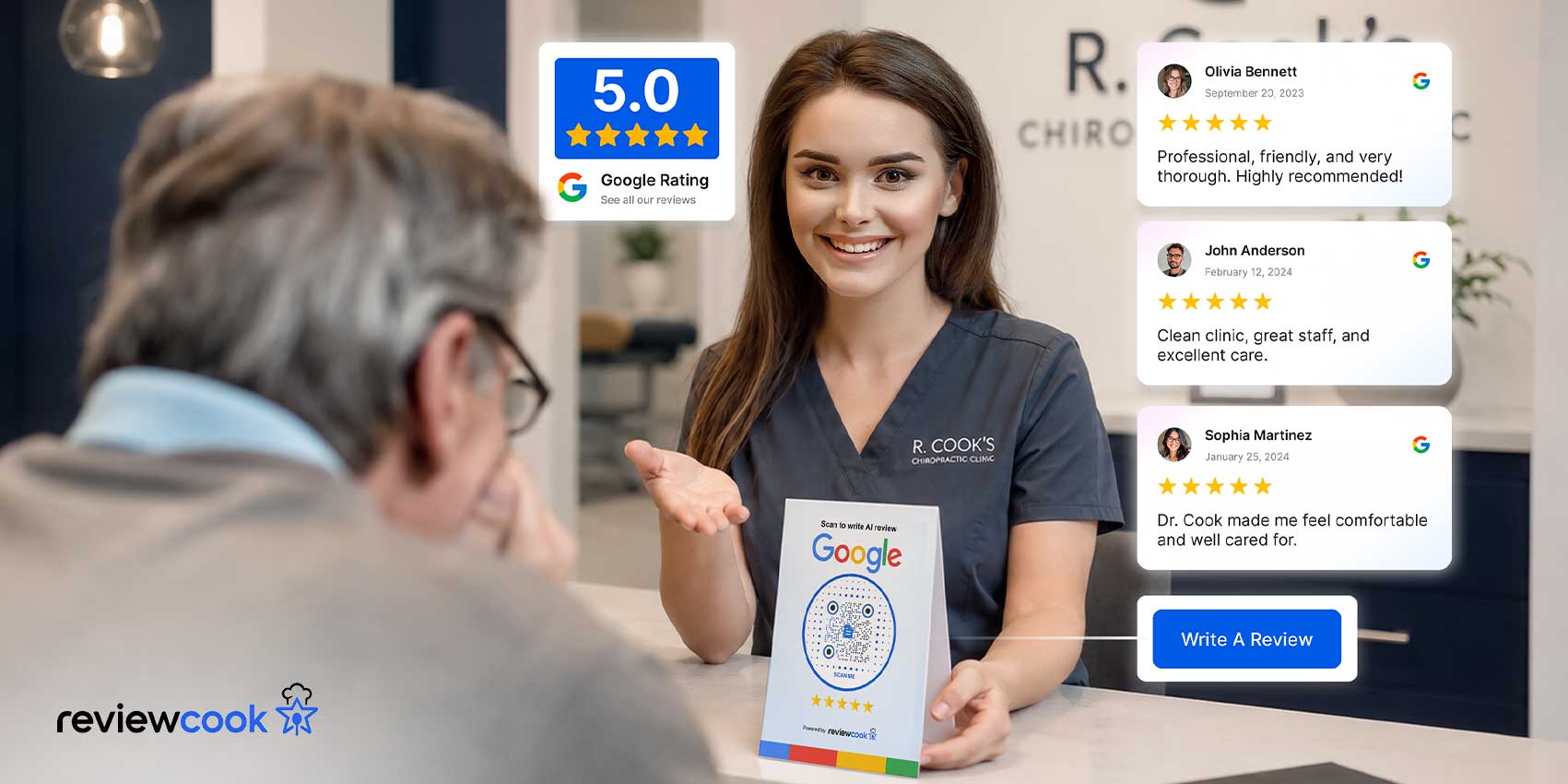
Chiropractors can get more Google reviews by inviting every patient at a consistent point in their care, sending a direct review link by SMS or email, and keeping a QR code at the front desk.
Because chiropractic patients often return for regular adjustments, the request also needs limits. A good process sends each patient a timely invitation, avoids repeat messages, and never filters patients by how satisfied they seem.
Key Takeaways
- Choose the right time to ask: Send the first review request shortly after the patient’s first completed appointment.
- Prevent repeat requests: Don’t ask after every visit. Log invitations, and stop when patients tell you they’ve reviewed or opt out.
- Never offer incentives: Don’t provide discounts, gifts, or other rewards in exchange for a review.
- Don’t screen by sentiment: Give all patients an equal opportunity to share honest feedback instead of asking only those who seem satisfied.
- Reply to every review: Respond professionally to positive and negative feedback to show that the practice values patient experiences.
Why reviews matter for chiropractic practices
Google reviews matter for chiropractic practices because they can help reduce the uncertainty patients feel when choosing someone to provide hands-on care. Unlike many everyday local services, chiropractic care involves a high level of personal trust.
Prospective patients may be unfamiliar with a chiropractor’s approach, unsure what to expect from an adjustment, or comparing several practices before booking. Firsthand accounts from other patients can help fill those gaps before they ever book a visit.
Reviews can also contribute to a practice’s local search visibility. Google uses relevance, distance, and prominence when determining local search results, and a practice’s reputation can contribute to how prominent it appears.
Genuine and recent reviews can therefore support both sides of the decision: helping prospective patients feel more confident while strengthening the practice’s visibility where local patients are searching.
What’s different about asking for reviews in chiropractic care
One practical challenge for chiropractic practices is keeping review requests consistent without overwhelming returning patients or adding extra work for front-desk staff.
Google allows businesses to ask customers for genuine reviews, so a chiropractor can simply invite patients to share their experience through a direct review link or QR code. The problem is that even a well-intentioned request can be forgotten when the front desk is busy, appointments run late, or the chiropractor moves from one patient to the next.
Chiropractic care also gives practitioners multiple natural opportunities to ask. Patients may visit regularly for adjustments, follow-up appointments, progress checks, or other stages of care.
The key is to turn the request into part of the normal patient workflow rather than leaving it to individual staff members. A standardized process can determine when the request goes out, which channel is used, and where the patient should leave the review.
A simple review process should include:
- A clean trigger: Ask for a review after a completed appointment.
- A consistent channel: Use SMS or email, with a direct Google review link.
- An easy alternative: Keep a QR code available at reception, waiting rooms, and other touchpoints.
- A neutral request: Invite honest feedback instead of asking for five stars or specific wording.
- A request log: Track who has been invited and when, so returning patients aren’t asked after every visit.
Never obligate or pressure patients to leave a review. Instead, remove friction and inconsistency that can prevent patients who genuinely want to share their experience from ever getting around to it.
When to ask for a Google review
The best time to ask for a Google review is shortly after a completed appointment, while the patient’s experience is still fresh. For chiropractic practices, this usually means sending a review request soon after the visit rather than waiting until the patient finishes an entire care plan.
For a patient’s first review invitation, use an appropriate completed appointment, such as the first visit or new-patient exam. For ongoing care, avoid automatically sending another request after each visit.
The trigger to ask for a review should be the appointment, not the patient’s mood. Apply the same rule to every patient who reaches that point in their care, whether or not they mentioned how the visit went.
| Patient interaction | When to ask |
| First completed appointment | Send the first invitation shortly after the visit. |
| Returning patient, already invited | Don’t send new requests after every visit; wait for the practice’s set interval |
| Recurring patient, interval has passed | Send one follow-up invitation, then stop. |
| Patient has left a review or opted out | Stop sending requests |
| Patient raises a concern | Address the concern directly, keep them on the same request schedule as every other patient |
Repeat patients
Ask repeat patients once after their first qualifying appointment, then at most, once more after a set interval.
Because public Google reviews often don’t match neatly to patient records, base the schedule on your own request history rather than trying to work out who has posted. Log when each patient was invited, and stop when patients opt out or tell you they’ve reviewed.
How to ask for more Google reviews
The easiest way to ask for more Google reviews is to send a direct request after an appointment, with an SMS or email as the primary channel, and printed QR codes as an in-office option.
Patients should be able to access your Google review page in as few steps as possible. The wording also matters: invite patients to share their honest experience rather than telling them what rating or comments to leave.
Get your Google review link
Google Business Profile lets you create your own review link and QR code for free:
- Open your practice’s Google Business Profile on a desktop browser. (Review QR codes can’t be generated on mobile.)
- Select Read reviews, then Get more reviews.
- Copy the review link, or right-click the QR code and save the image for patient communications.
Send an SMS or email after the appointment
A short message after an appointment can reach patients while they still remember their visit. Keep it conversational, identify the practice, and include a direct link.
For example:
“Hi, [Name]! Thanks for visiting [Practice Name] today! If you have a moment, we’d appreciate hearing about your experience. You can share your honest feedback on Google here: [link].”
SMS is particularly useful because patients are more likely to see a text soon after leaving the office. Email can work well as an alternative or for practices that already use email for appointment follow-ups.
Add a QR code at reception or checkout
Not every patient will act on a message later, so give them another way to leave feedback while they are still at the practice. A QR code at the front desk, checkout area, or an appointment card can take patients directly to the review page.
A small sign can be enough:
- “Scan to leave an honest Google review”
- “We’d love to hear your honest feedback.”
- “Scan to leave us a Google review””
NFC can provide a similar experience for patients whose phones support tap-to-open links. Both options remove the need for patients to search for the practice themselves.
Google’s free link and QR code cover the basics. A tool like ReviewCook adds branded QR codes and review links, alerts when new reviews arrive, and AI-assisted replies that staff can approve before they’re posted.
Keep passive channels as a backup
A review link can also appear in a practice newsletter, email signature, patient resources, or other regular communications. These channels are less immediate than a message sent right after the appointment, so use them as a supplement rather than the main source of reviews.
For example, a monthly newsletter could include a simple line such as, “Have you visited us recently? Share your experience on Google.” Keeping the request brief and easy to find gives patients another opportunity to leave feedback when they are ready.
When should you ask repeat patients for a review?
Ask repeat patients once after their first qualifying appointment, then at most once more after a set interval. Don’t send a request after every appointment.
Because public Google reviews often don’t match neatly to patient records, base the schedule on your own request history rather than trying to work out who has posted. Log when each patient was invited, and stop when they’ve already reviewed or opted out.
Apply the same interval to everyone; this keeps the process fair to patients who haven’t reviewed yet without filling the inbox of someone who comes in every week.
How chiropractors should respond to negative reviews
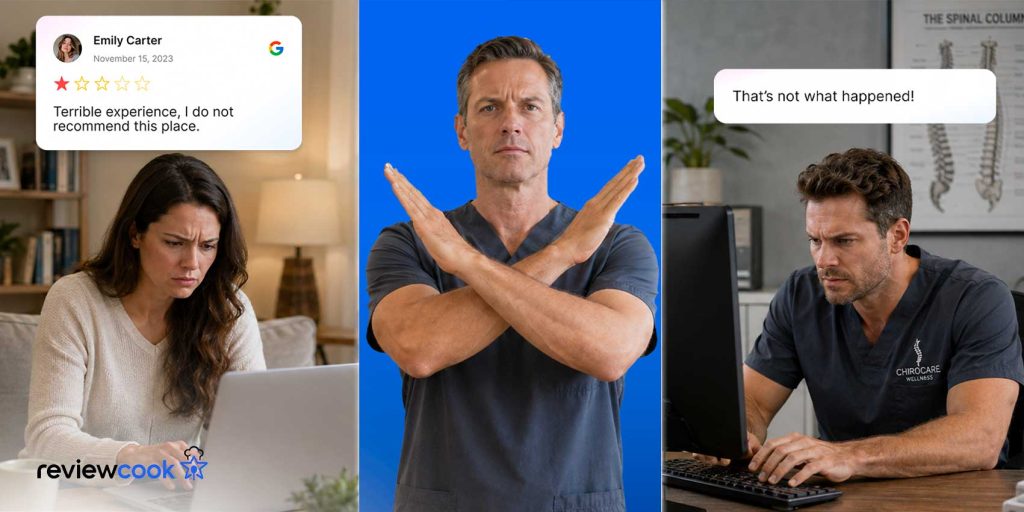
Chiropractors should respond to Google reviews professionally, acknowledge the feedback, and invite the reviewer to continue the conversation privately. A defensive or argumentative response can make a difficult situation worse, while a calm response shows prospective patients that the practice takes concerns seriously.
Because chiropractic practices can be HIPAA-covered entities, patient privacy deserves particular care in public replies. Never confirm that someone is or was a patient, and do not mention their treatment, condition, appointment details, or other protected health information.
The HHS Office for Civil Rights has taken action against providers who disclosed patient information while replying to online reviews, including a 2023 settlement with a practice that did so on Google reviews.
A simple response can follow this structure:
- Acknowledge the feedback: Thank the reviewer for taking the time to share their experience.
- Recognize the concern: Express regret that their experience did not meet expectations.
- Keep details private: Don’t discuss the patient’s care or circumstances publicly.
- Offer a direct channel: Invite them to contact the office so the team can discuss the concern privately.
- Keep the tone professional: Write for future patients as well as the reviewer.
For example, a practice might respond:
“Thank you for sharing your feedback. We’re sorry to hear that your experience did not meet your expectations. We’d appreciate the opportunity to understand your concerns and address them appropriately. Please contact our office directly so we can discuss this with you privately.”
Review any response template against your practice’s privacy procedures before using it. Not every negative review needs a long reply; a short, thoughtful one is often enough. After posting, handle the underlying issue privately rather than continuing the discussion in public.
Google review policies chiropractors should know
Chiropractors can ask patients to leave Google reviews, but the request must remain voluntary and unbiased. Google’s prohibited and restricted content policy treats incentivized reviews, on-site pressure, and review-gating as fake engagement, which Google removes.
The policy also bars asking reviewers to include specific content, such as a particular staff member’s name, and setting review quotas for staff.
A compliant review request can be as simple as asking patients to share their honest experience after an appointment. The practice can provide a direct Google review link or QR code, but the patient should decide whether to leave a review and what to say.
Keep these rules in mind when building a review process:
- Ask for honest feedback: Don’t ask specifically for a five-star review.
- Don’t offer incentives: Avoid discounts, gifts, credits, or other rewards in exchange for reviews.
- Don’t pressure patients: A review request should be an invitation, not an obligation.
- Don’t gate reviews: Don’t ask only patients who appear happy with their care.
- Don’t script the review: Patients should describe their experiences in their own words.
- Don’t set review targets: Don’t require staff to obtain a specific number of reviews or make review collection part of an individual quota.
- Don’t ask for specific doctors to be named: Let patients decide which details to include rather than asking them to mention a particular chiropractor by name.
Common mistakes chiropractors should avoid when asking for reviews
Chiropractic practices can make review generation less effective by relying on inconsistent requests, making the process harder than necessary, or trying to influence what patients say. These common mistakes are easy to avoid with a standardized approach.
| Common mistake | Why to avoid it |
| Running one-time review campaigns | A short push may produce several reviews at once, but an ongoing process keeps feedback fresh |
| Leaving reviews unanswered | Prospective patients see whether the practice responds, especially to criticism |
What to look for in a Google Review management tool
A review management tool is most useful when it helps staff monitor new feedback, prepare appropriate replies, and maintain a consistent process without adding unnecessary administrative work.
| Feature | Why it matters for chiropractors |
| Review request options | Provides convenient ways to invite feedback through supported links or QR codes |
| Review monitoring | Helps staff see incoming reviews without repeatedly checking the Google profile |
| AI-assisted response editing | Helps improve the grammar, clarity, and tone of replies |
| Simple setup | Makes the workflow easier to introduce without extensive staff training |
For chiropractic practices, approval matters more than speed. Any reply, positive or negative, can disclose protected health information if it references a patient’s care, so keep automatic posting off and have staff approve each response.
ReviewCook brings this workflow into one space. Teams can collect reviews through QR codes and review links, get alerted as soon as new reviews arrive, and use AI to sharpen the clarity and tone of each reply before staff approves it.
Build a review process your patients can trust
Getting more Google reviews as a chiropractor comes down to a few repeatable habits: Invite every patient at the same point in their care, keep the review page one tap away, limit how often returning patients are asked, and reply to every review without revealing patient information.
None of this requires a large marketing budget. Start with Google’s free review link and QR code, set a clear rule for when requests go out, and consider a tool like ReviewCook once keeping up with new reviews and replies becomes hard to manage by hand.